
Aarya Editz
Aarya Editz is a photo editing app for Android from KCS Devlopers; it has not been updated for a long time and has no official download source in our data.
9.2 MB

7.94.0.984908898 · Google Inc. · Page updated
Google Photos is Google's photo storage service and gallery app. This page covers Android version 7.94.0.984908898.
Average 0.0 · ratings: 0
Thank you! Your rating is saved; you can change it. Could not save the rating. Please try again later. Too many ratings from your network today. Please try again tomorrow. The average appears after 5 ratings.
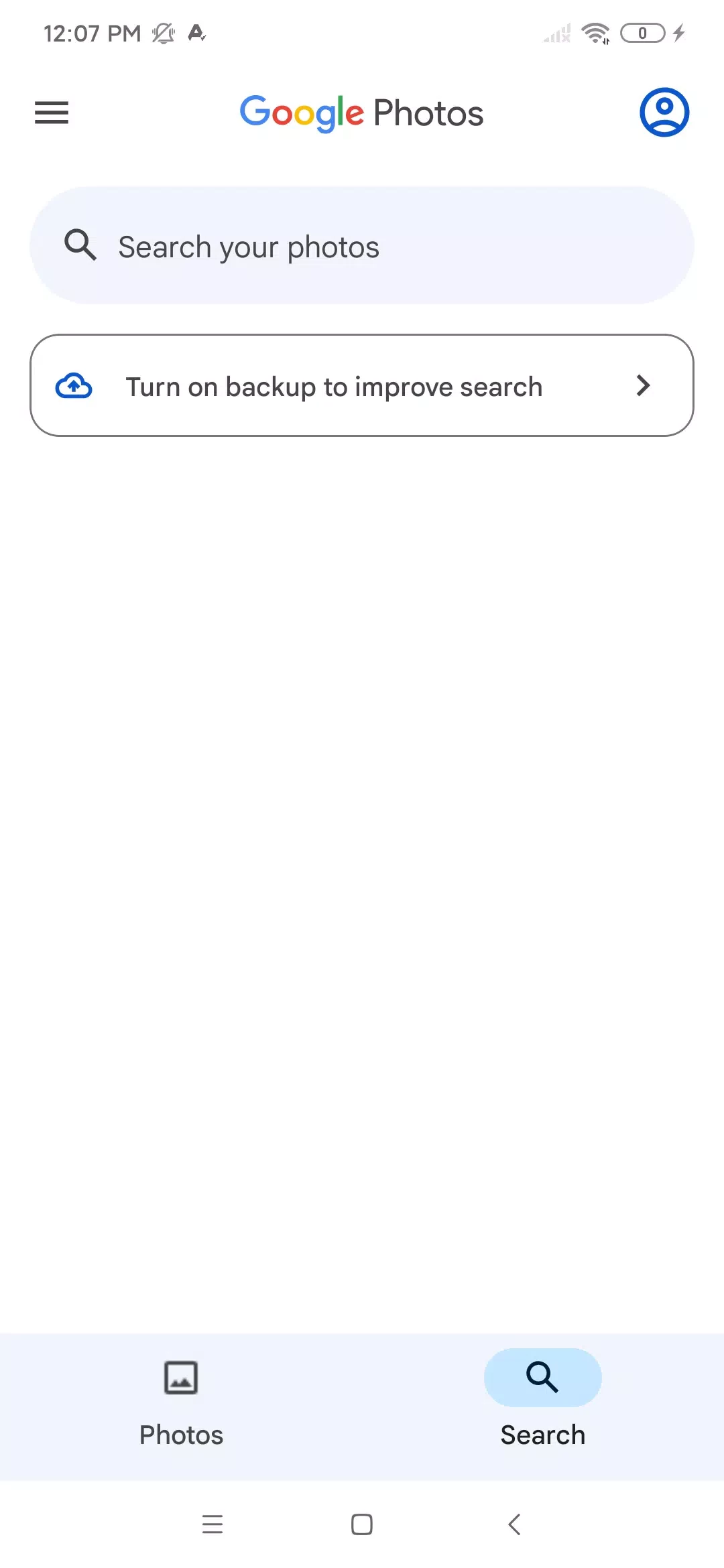
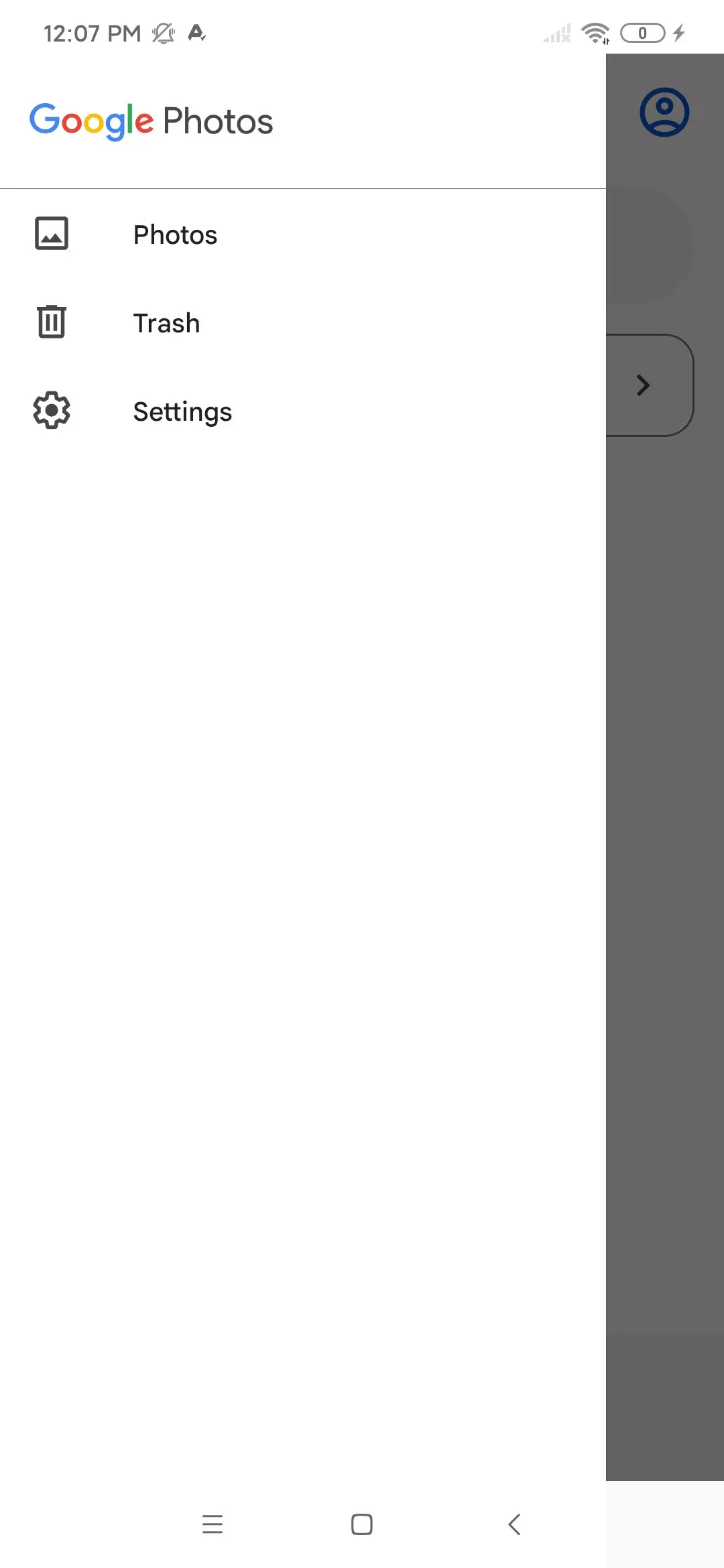
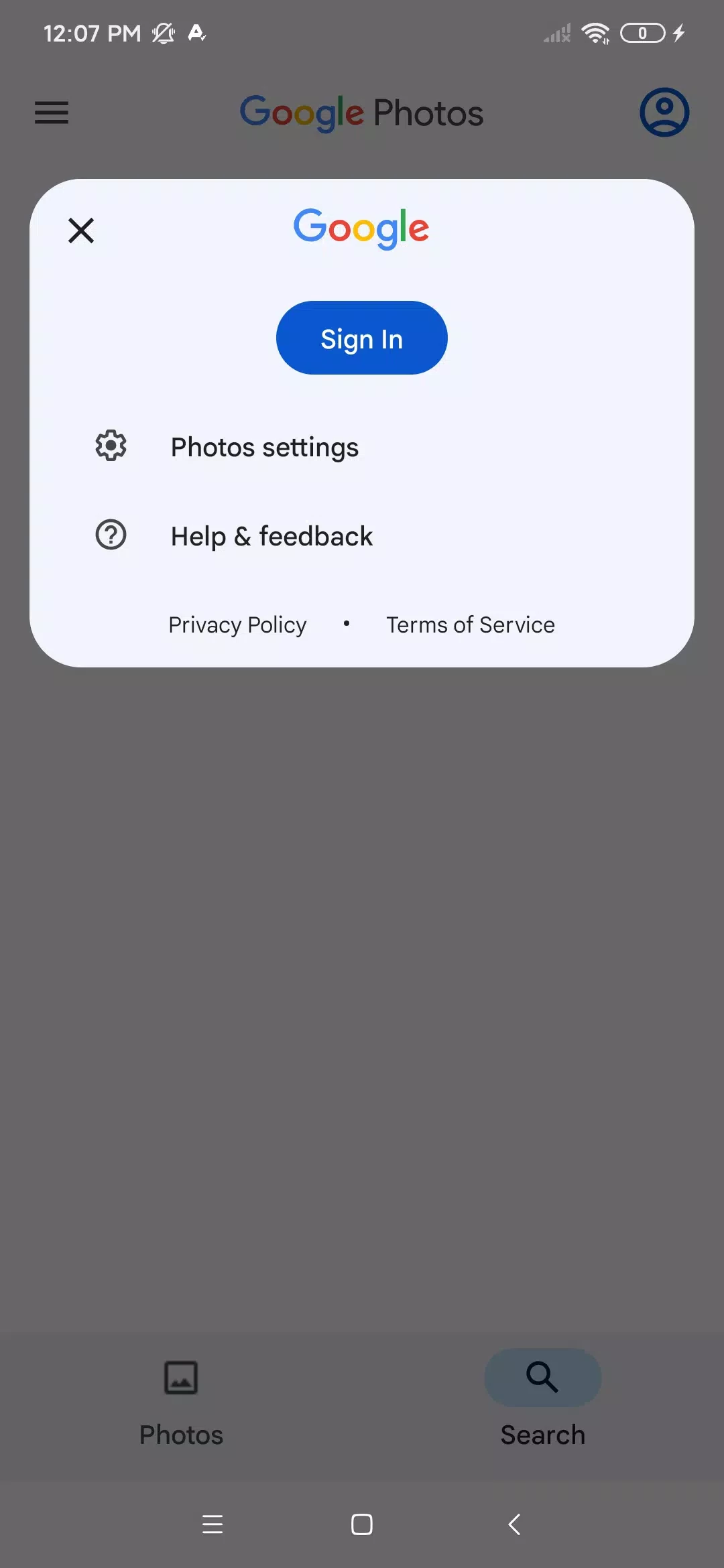
Google Photos 7.94.0.984908898 for Android is the current version of Google's photo storage app, which works as a gallery on your phone and a cloud backup at the same time. It is free to download from Google Play and comes with many Android phones already.
Google Photos launched on 28 May 2015 as a service for storing photos and videos in the cloud. The idea is simple: pictures you take on the phone are copied to your Google account, so they are safe if the phone is lost, and you can see them on any other device or in a browser at photos.google.com. On the phone itself the app replaces the usual gallery. Photos are sorted by date, and search helps you find a picture without scrolling through years of images. You can share an album with family, send a picture as a link rather than a heavy attachment, and make basic edits such as cropping, rotating and adjusting light and colour. Because everything lives in one account, switching to a new phone becomes much easier: sign in, and your library is there. The flip side is storage: the space in a Google account is limited and shared with other Google services, so a large library eventually needs a paid plan.
Google's help page explains how to get started with Google Photos.
The app is about 220.71 MB according to catalogue data. You need an Android device with Google Play and a Google account; the photos themselves count against your account storage, not the phone, once they are backed up.
Install the app only from Google Play. Protect the Google account with two-step verification, because it holds your whole photo archive. Review shared albums from time to time and remove links you no longer need. Before deleting pictures from the phone to free space, confirm that backup has finished.
The app is free. Storage beyond the free allowance of your Google account requires a paid storage plan.
Other photo apps for Android in our listings serve related jobs: Adobe Photo Lightroom and Canva for editing and design, PixelLab for adding text to pictures, and Remini for enhancing old photos. Developers can follow the Photos APIs release notes.
Aarya Editz is a photo editing app for Android from KCS Devlopers; it has not been updated for a long time and has no official download source in our data.

Background Eraser by handyCloset is a free Android app for removing the background from photos and saving the cut-out as a transparent image.
Hypic is an AI photo editor for Android from ByteDance with retouching, background tools, filters and AI-generated art styles.

Ultra Camera HD: 4K Camera is a third-party Android camera app from Haibara CodeX offering an alternative interface for taking photos and videos.

Adobe Photo Lightroom is Adobe's photo editing app for Android, with presets, detailed adjustments, a pro camera mode and optional cloud sync.

PixelLab is a free Android app from App Holdings for adding styled text, stickers, shapes and effects to pictures.

Remini is an AI photo enhancer for Android that sharpens blurry pictures, restores old photos and improves faces in portraits.

Canva for Android is the mobile app of Canva's online graphic design platform for making posts, flyers, presentations and short videos.